
Essential Checklist: What to Verify After Smart Home Setup
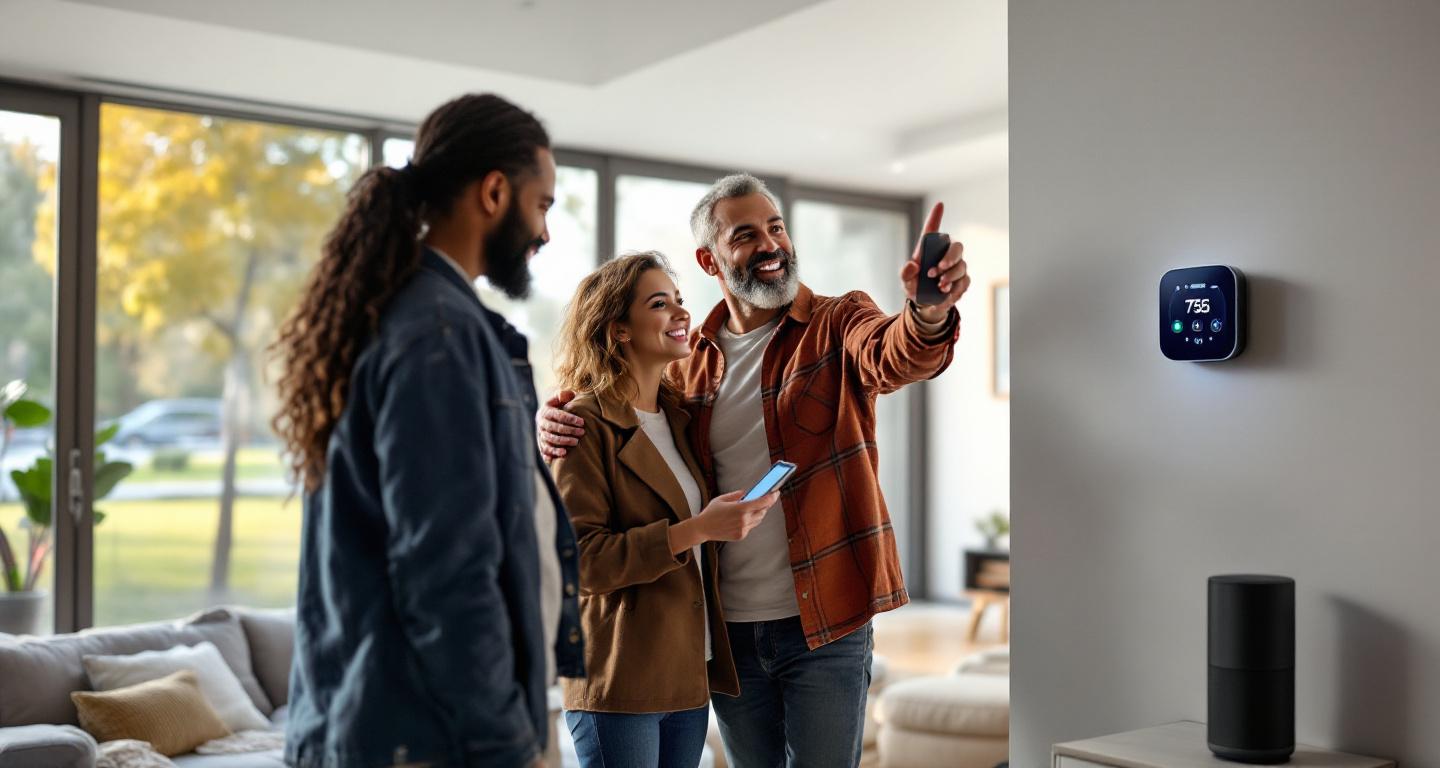
After smart home installation, verify all devices connect properly, test automation routines, confirm security settings, check mobile app functionality, ensure proper network performance, and document all passwords and configurations for future reference.
Why Post-Installation Verification Matters
A professional smart home installation involves dozens of connected devices, complex network configurations, and intricate automation sequences. Even the most skilled installers can overlook minor details that significantly impact your daily experience. Thorough post-installation verification ensures you receive the full value of your investment and prevents frustrating discoveries weeks later. This systematic approach also establishes a baseline for troubleshooting future issues. Many homeowners assume everything works perfectly if the installer demonstrates basic functionality, but comprehensive testing reveals connectivity gaps, security vulnerabilities, and configuration errors that compromise system performance. Taking time for proper verification protects your investment and ensures your smart home delivers the convenience and security you expected.
Device Connectivity and Basic Function Check
Start with fundamental verification that every installed device connects and responds properly:
- Test each smart switch, outlet, and dimmer individually from the main app
- Verify all smart bulbs change colors, brightness, and turn on/off as expected
- Check that smart locks engage and disengage smoothly with app commands
- Confirm smart thermostats display accurate temperatures and respond to adjustments
- Test smart cameras for clear video feed and proper angle coverage
- Verify smart speakers respond to voice commands and play audio clearly
- Check smart garage door openers operate fully and report accurate status
- Test smart irrigation systems cycle through all programmed zones
- Verify smart security sensors trigger appropriate notifications
- Confirm smart doorbells provide clear video and audio communication
How Should You Test Automation and Scene Performance?
Automation represents the true power of smart home systems, transforming individual devices into coordinated experiences. However, complex automation sequences often fail during real-world testing despite appearing functional during installation demos. Walk through your daily routines and manually trigger each programmed scene. Morning routines should gradually adjust lighting, start coffee makers, and display weather information seamlessly. Evening scenes should dim lights, lock doors, and arm security systems in proper sequence. Test time-based automation by temporarily adjusting schedules to trigger immediately. Verify sensor-based automation by walking through motion zones and opening monitored doors. Pay attention to timing delays between devices—automation that feels sluggish indicates network congestion or configuration issues requiring adjustment before they become daily frustrations.
Network Performance and Coverage Verification
Network stability determines smart home reliability. Follow this systematic approach to verify coverage:
- Walk through every room with the installer's network testing app to confirm signal strength meets manufacturer specifications for each device type
- Test internet connectivity during peak usage hours when multiple family members use streaming services, video calls, and other bandwidth-intensive applications
- Verify backup connectivity options work properly—cellular backup systems should activate automatically when primary internet fails
- Check mesh network performance by temporarily disconnecting primary router nodes and confirming devices maintain connectivity through alternate paths
- Test guest network functionality and confirm it provides appropriate access levels without compromising main network security
- Verify network prioritization settings ensure smart home devices receive sufficient bandwidth during heavy internet usage periods
What Security Settings Require Immediate Verification?
Smart home security extends beyond traditional alarm systems to encompass network protection, device access controls, and data privacy settings. Verify that all default passwords have been changed to unique, complex alternatives and that two-factor authentication is enabled on all accounts supporting this feature. Check that device firmware updates are configured for automatic installation or that you receive notifications for manual updates. Review sharing permissions to ensure only authorized family members access specific devices and features. Examine data collection settings and adjust privacy preferences according to your comfort level. Test security camera recording settings and verify footage is stored according to your preferences—local storage, cloud storage, or both. Confirm that smart locks maintain backup access methods and that temporary access codes for service providers have been deactivated.
Mobile App Configuration and User Access
Proper app configuration ensures seamless daily interaction with your smart home system:
- Install primary control apps on all family member devices and verify each person can access appropriate features based on their needs and technical comfort level
- Test push notification settings to ensure critical alerts reach you immediately while preventing notification overload from routine status updates
- Configure location-based automation and verify geofencing accurately detects when family members arrive and leave home
- Set up voice assistant integration and test complex commands that control multiple devices simultaneously
- Verify remote access functionality works from various locations outside your home network
- Test emergency override features that allow manual control when automation fails
- Check that app updates won't disrupt existing configurations and that backup settings are preserved
How Do You Document and Organize System Information?
Comprehensive documentation transforms future troubleshooting from frustrating guesswork into systematic problem-solving. Create a central document containing all device model numbers, installation dates, warranty information, and configuration details. Record the installer's contact information, including after-hours support options and warranty claim procedures. Document network passwords, device passwords, and app login credentials in a secure password manager accessible to appropriate family members. Take photos of device installations showing wire connections, switch configurations, and mounting locations. Record automation sequences in plain language, noting trigger conditions and expected responses. This documentation proves invaluable when troubleshooting issues, planning expansions, or working with different service providers. Many homeowners skip this step, later struggling to identify devices or remember configuration choices when problems arise.
What Performance Baselines Should You Establish?
Establishing performance baselines immediately after installation provides objective measurements for evaluating system health over time. Record typical response times for various device types—smart lights should respond within seconds, while complex automation sequences may require 10-15 seconds for complete execution. Document normal network speeds at different locations throughout your home, noting any areas with marginal performance. Test battery-powered devices and record initial battery levels to establish replacement schedules. Measure energy consumption for smart outlets and switches to verify efficiency claims and identify unusual power draws. These baselines help distinguish between normal variations and genuine problems when issues arise. Without baseline measurements, you'll struggle to determine whether performance degradation indicates device failure, network congestion, or configuration changes requiring attention.
Integration Testing with Existing Systems
Smart homes rarely operate in isolation—they must integrate seamlessly with existing systems:
- Test integration with existing security systems, ensuring smart devices don't interfere with professional monitoring services or trigger false alarms
- Verify compatibility with HVAC systems, confirming smart thermostats communicate properly with heating and cooling equipment without voiding warranties
- Check integration with entertainment systems, ensuring smart home controls don't disrupt existing remote controls or streaming device functionality
- Test garage door integration with existing remotes and safety features, confirming backup manual operation remains functional
- Verify pool and spa system integration maintains existing safety controls and doesn't interfere with automated cleaning or chemical monitoring systems
- Check that smart irrigation systems integrate properly with existing rain sensors and soil moisture monitoring equipment
When Should You Schedule Follow-Up Service?
Even flawless installations benefit from scheduled follow-up service to address issues that emerge during normal usage patterns. Schedule initial follow-up within 30 days to resolve any connectivity problems, automation glitches, or user experience issues discovered through daily living. Plan quarterly check-ins during your first year to optimize automation sequences, update firmware, and expand functionality as you become more comfortable with system capabilities. Professional installers often identify optimization opportunities that aren't apparent during initial setup but become obvious after observing usage patterns. This proactive approach prevents minor issues from becoming major frustrations and ensures your system evolves with your family's changing needs. Quality installers welcome follow-up opportunities because they demonstrate commitment to customer satisfaction and often lead to referrals and additional projects.
Frequently Asked Questions
How long should I wait before considering my smart home installation complete?
Allow 2-3 weeks of normal usage to fully evaluate your smart home installation. This timeframe reveals automation issues, network performance problems, and user experience challenges that aren't apparent during initial testing.
What should I do if some devices work intermittently after installation?
Intermittent device performance typically indicates network connectivity issues, interference problems, or improper configuration. Contact your installer immediately as these issues rarely resolve themselves and often worsen over time.
How often should smart home devices receive firmware updates?
Enable automatic updates when available, or check monthly for critical security updates. Many manufacturers release quarterly feature updates and immediate patches for security vulnerabilities that require prompt installation.
Should I test my smart home system when family members are away?
Yes, test your system with varying occupancy patterns. Many automation sequences behave differently when fewer people are home, and security features require testing without normal household activity.
What backup plans should I have if smart home automation fails?
Ensure all devices maintain manual override capabilities and that critical functions like door locks, garage doors, and security systems have alternative control methods that don't require internet connectivity.
How do I know if my installer did quality work?
Quality installations feature consistent device response times, reliable automation, comprehensive documentation, and installers who proactively schedule follow-up service to address any emerging issues.
Find Trusted Smart Home Installers
Don't risk your smart home investment with unvetted installers. Tools like Linked By Six automatically surface which local smart home professionals your network already trusts—discover proven installers through your connections before you start your search.
Thorough post-installation verification protects your smart home investment and ensures you receive the full value of professional installation services. Systematic testing of device connectivity, automation performance, network stability, and security settings prevents minor issues from becoming major frustrations. Proper documentation and baseline establishment enable efficient troubleshooting and system optimization over time. Remember that smart home technology evolves rapidly—maintaining relationships with quality installers ensures your system adapts to new capabilities and continues serving your family's changing needs. The time invested in comprehensive verification pays dividends in reliability, security, and satisfaction with your connected home experience.