
Essential Checklist: What to Verify After Security Install
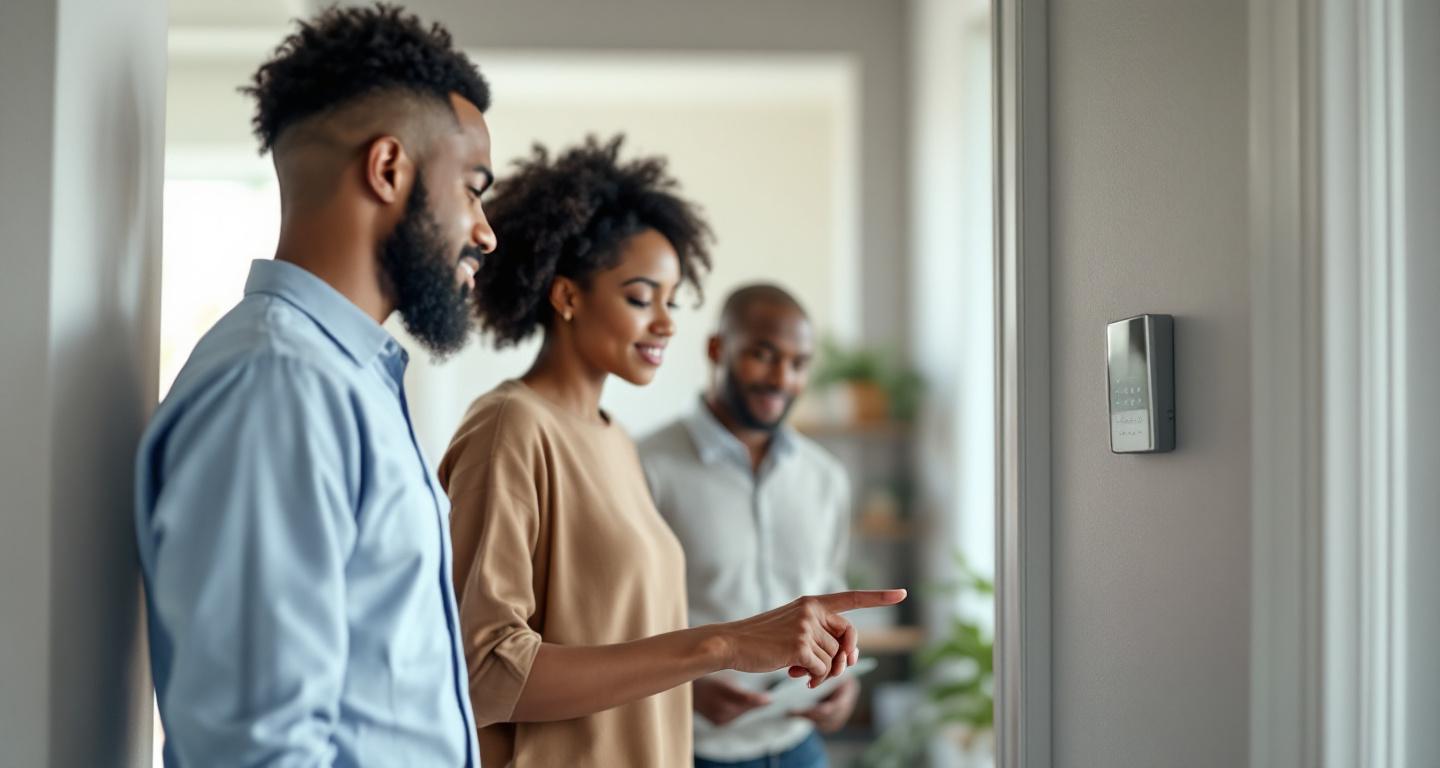
After security system installation, test all sensors and cameras, verify mobile app connectivity, confirm monitoring service activation, check backup power, review user codes, and ensure you have complete documentation and warranty information.
Why Is Post-Installation Testing Critical?
Your security system is only as reliable as its weakest component, making thorough post-installation testing essential for your family's safety. Professional installers should complete initial testing, but you need to verify everything works correctly before they leave. A comprehensive check ensures all components communicate properly, sensors detect correctly, and you understand how to operate your new system. This verification process also establishes a baseline for future troubleshooting and helps identify any issues while the installer is still on-site to address them immediately.
Essential Component Testing Checklist
Work through this checklist systematically with your installer to verify every component functions properly:
- Test all door and window sensors by opening and closing each one
- Walk through motion detector zones to confirm proper detection ranges
- Verify glass break sensors with installer's testing equipment
- Test smoke and carbon monoxide detectors using test buttons
- Check all cameras for clear image quality and proper positioning
- Verify outdoor cameras have adequate night vision capability
- Test panic buttons and emergency features
- Confirm all wireless devices show strong signal strength
How Do You Verify Monitoring Service Integration?
Monitoring service integration is perhaps the most critical aspect to verify, as this determines whether help will actually arrive during an emergency. Have your installer demonstrate a test alarm to confirm signals reach the monitoring center correctly. Verify the monitoring company has your correct contact information, emergency contacts, and any special instructions like gate codes or pet information. Confirm response procedures and understand how the monitoring center will attempt to contact you during an alarm. Ask about the backup communication methods if your primary internet or phone service fails.
Mobile App and Remote Access Setup
Modern security systems rely heavily on mobile connectivity. Follow these steps to ensure full functionality:
- Download the official app and create your account with the installer's guidance
- Test arming and disarming the system remotely from inside and outside your home
- Verify you receive push notifications for all system events and alerts
- Check that all cameras stream clearly through the mobile app
- Test two-way audio features if your system includes them
- Confirm you can view system status and recent activity logs
- Set up any automation rules or scheduling features you want to use
What Documentation Should You Receive?
Proper documentation protects your investment and ensures you can maintain your system effectively. You should receive detailed installation diagrams showing sensor locations, zone assignments, and any special configurations. User manuals for all components, warranty information, and contact details for technical support are essential. The installer should provide a complete equipment list with model numbers and serial numbers for warranty purposes. Additionally, ask for troubleshooting guides and information about routine maintenance requirements to keep your system operating optimally.
Power and Backup System Verification
A security system that fails during power outages defeats its purpose. Verify these backup power elements:
- Test main control panel backup battery by simulating power loss
- Confirm wireless devices show full battery levels and understand replacement schedules
- Verify cellular backup communicator functions when internet is disconnected
- Check that cameras with local storage continue recording during outages
- Understand how long backup power lasts and what features remain active
- Know how to check battery status and receive low battery alerts
How Do You Test Different Alarm Scenarios?
Testing various alarm scenarios ensures your system responds appropriately to different types of threats. Work with your installer to trigger controlled alarms for burglary, fire, and medical emergencies if your system supports these features. Verify that different alarm types produce distinct sounds and notifications so you can respond appropriately. Test the system during both armed and partially armed modes to understand how different settings affect sensor behavior. This testing phase also helps you become familiar with the alarm sounds and gives you confidence in operating the system.
User Access and Code Management Setup
Proper user management ensures convenient access while maintaining security. Set up individual user codes for family members, understanding how to add, modify, or delete codes as needed. Many modern systems offer temporary codes for guests or service providers – learn how to create and manage these features. Verify that different user levels have appropriate access permissions, such as whether certain codes can modify system settings or only arm and disarm. Test any key fobs or proximity cards to ensure they work reliably and understand their range limitations.
What About Integration with Smart Home Devices?
If your security system integrates with existing smart home devices, thorough testing prevents conflicts and ensures seamless operation. Verify that security system arming can trigger other devices like smart locks, lights, or thermostats as intended. Test voice control features if you've integrated with Alexa, Google Assistant, or other platforms, ensuring commands work reliably and securely. Check that smart home automation doesn't interfere with security functions and that you understand how to troubleshoot connectivity issues. Document any specific setup requirements for smart home integration for future reference.
Final Walkthrough and Sign-Off Process
Complete these final steps before the installer leaves:
- Review the complete system layout and confirm all requested components are installed
- Verify that installation meets local building codes and permit requirements
- Check that all mounting hardware is secure and professional-looking
- Confirm cleanup is complete and no damage occurred during installation
- Review warranty terms and understand what is and isn't covered
- Get clear instructions for ongoing maintenance and support contacts
- Schedule any required follow-up inspections or monitoring service activation
Frequently Asked Questions
How long should I spend testing my new security system?
Plan at least 45-60 minutes for comprehensive testing with your installer. This includes testing all sensors, verifying monitoring connections, setting up mobile access, and reviewing documentation thoroughly.
What if I discover problems after the installer leaves?
Contact your security company immediately. Most reputable companies offer warranty periods and will return to address installation issues at no charge within reasonable timeframes.
Should I test my security system regularly after installation?
Yes, test your system monthly by triggering sensors and verifying monitoring communication. Many systems have built-in test modes that won't dispatch emergency services.
What documentation is most important to keep?
Keep warranty information, user manuals, system layout diagrams, and emergency contact numbers for technical support. Store both physical and digital copies in accessible locations.
How do I know if my installer did quality work?
Quality installation includes clean wire management, secure mounting, proper sensor positioning, complete testing, thorough documentation, and patient explanation of system operation and maintenance.
Find Trusted Security Installers
Finding a reliable security system installer makes all the difference in getting quality work that protects your family. Tools like Linked By Six automatically show you which local security companies your friends and colleagues already trust, helping you find vetted professionals before you start your search.
A thorough post-installation check protects your investment and ensures your security system will reliably protect your home and family. Take time to test every component, verify monitoring services, and understand your system's operation before the installer leaves. Proper documentation and user setup create the foundation for years of reliable security protection. Remember that a quality installer will welcome your questions and testing – their willingness to be thorough often reflects the overall quality of their work.