
How to Track Home Improvement History Effectively
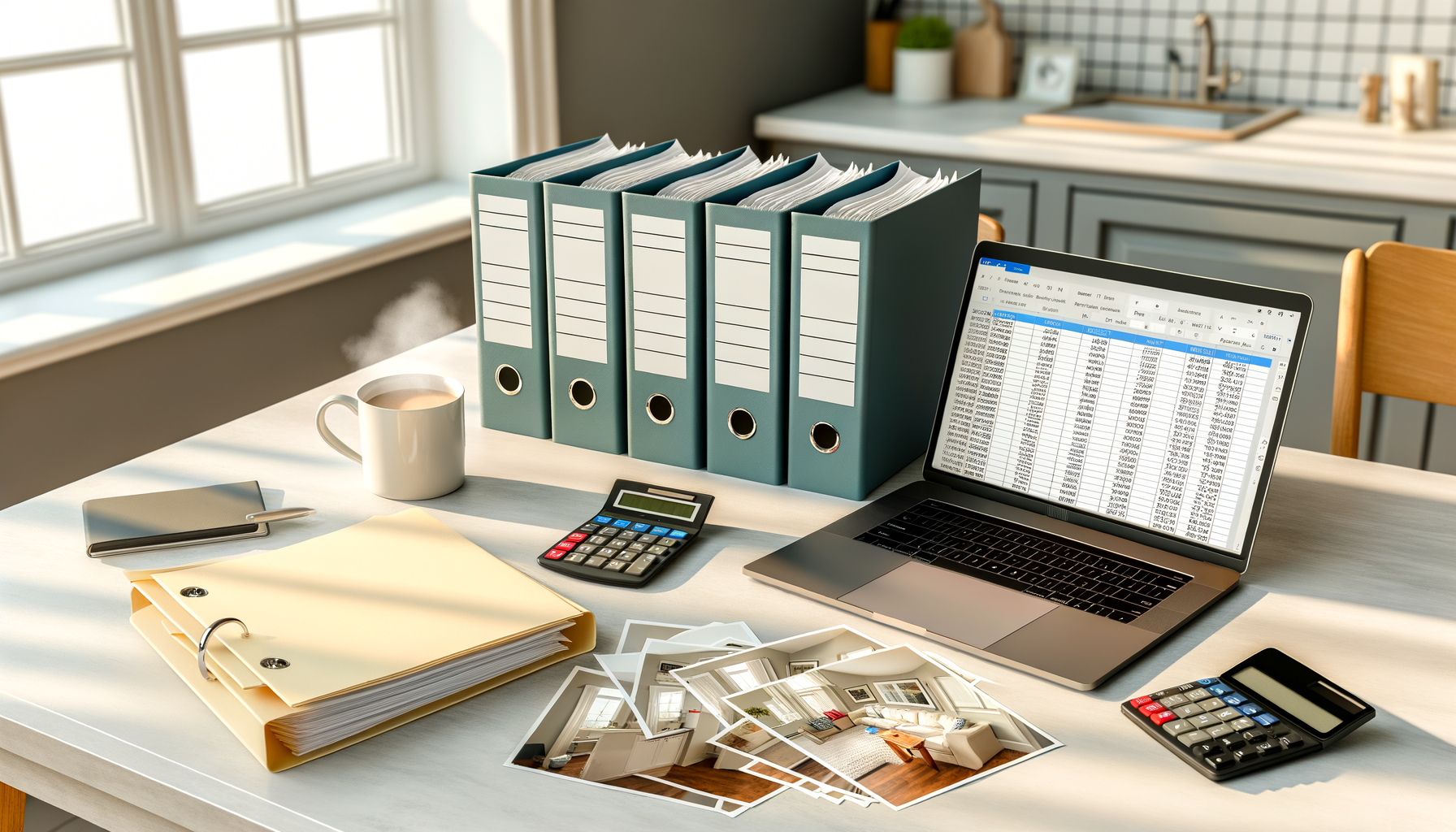
Effective home improvement tracking requires organizing receipts, photos, permits, and contractor information in both digital and physical formats. Use spreadsheets or apps to document dates, costs, and project details while maintaining separate folders for each improvement to maximize property value and warranty protection.
Why Does Home Improvement History Matter?
Your home improvement history serves as more than just a collection of receipts—it's a valuable asset that directly impacts your property's worth and your financial well-being. When you sell your home, documented improvements can justify higher asking prices and provide buyers with confidence in the property's condition. Insurance companies also rely on this documentation for claims processing, especially for major systems like HVAC, roofing, or electrical work. Additionally, organized records help you track warranty periods, schedule maintenance, and make informed decisions about future projects. Without proper documentation, you might lose thousands in potential home value or face challenges proving the quality and scope of work completed.
What Information Should You Document for Each Project?
Comprehensive documentation goes beyond basic receipts. For each home improvement project, maintain these essential records:
- Project details including start/completion dates, total costs, and specific work performed
- Contractor information with licenses, insurance certificates, and contact details
- Before, during, and after photos showing the transformation and quality of work
- All receipts, invoices, and proof of payments organized by date
- Permits, inspection certificates, and any required municipal approvals
- Product specifications, model numbers, and warranty information for materials used
- Any complications, changes, or additional work that occurred during the project
How Can You Organize Physical Documents Effectively?
Physical document organization requires a systematic approach that makes information easily retrievable years later. Create a dedicated filing system with separate folders for each major improvement project, labeled by year and project type (e.g., "2024 Kitchen Renovation" or "2023 Roof Replacement"). Within each folder, use sub-dividers to separate contracts, receipts, permits, and warranty information. Store original documents in acid-free folders to prevent deterioration, and keep this filing system in a fireproof safe or safety deposit box. For frequently referenced items like warranty cards, create a separate "Active Warranties" folder that's easily accessible. Consider using clear plastic sleeves to protect important documents from wear and moisture damage.
Which Digital Tools Work Best for Home Improvement Tracking?
Digital documentation provides backup protection and easier sharing capabilities. These tools offer excellent home improvement tracking features:
- Spreadsheet programs (Excel, Google Sheets) for cost tracking and project timelines with customizable categories
- Cloud storage services (Google Drive, Dropbox) for photo storage and document backup with automatic syncing
- Home maintenance apps like HomeZada or Centriq that specialize in property management and improvement tracking
- Receipt scanning apps such as Receipts by Wave or Evernote for instant document digitization
- Project management tools like Trello or Asana for tracking contractor communications and project milestones
How Should You Handle Contractor Documentation?
Contractor documentation requires special attention because it affects liability, warranties, and future service needs. Before any work begins, collect and verify the contractor's license number, insurance certificates, and bonding information—photograph these documents with your phone for instant backup. Save all written estimates, contracts, and change orders, paying particular attention to warranty terms and service guarantees. Document the contractor's performance with notes about timeliness, quality, and communication throughout the project. This information becomes invaluable when you need future services or want to recommend (or avoid recommending) specific contractors. Keep contractor business cards and contact information updated, as many homeowners later wish they could reconnect with quality contractors for additional work.
What Should Your Home Improvement Tracking System Include?
Use this checklist to ensure your tracking system captures all essential elements:
- Master spreadsheet with all projects, dates, and total costs
- Individual project folders (physical and digital) for each improvement
- Photo gallery organized by project and date
- Contractor contact database with performance notes
- Warranty tracking system with expiration date alerts
- Permit and inspection record storage
- Material specification sheets and product manuals
- Insurance documentation updates reflecting improvements
- Regular backup system for all digital files
- Annual review process to update and organize records
How Do You Calculate and Track Return on Investment?
Tracking ROI helps you make smarter improvement decisions and demonstrates value when selling your home. Create a simple formula: divide the increase in home value by the total project cost, then multiply by 100 for your ROI percentage. Research typical ROI rates for different improvement types—kitchen remodels typically return 60-80% of investment, while energy-efficient upgrades often provide higher long-term returns through utility savings. Document energy bills before and after efficiency improvements to calculate ongoing savings. When possible, get professional appraisals or comparative market analyses before and after major renovations to establish concrete value increases. This data becomes powerful evidence when listing your home and helps justify your asking price to potential buyers and their agents.
How Often Should You Review and Update Your Records?
Regular maintenance of your improvement records ensures accuracy and prevents overwhelming catch-up sessions later. Schedule quarterly reviews to add any recent projects, update contractor contact information, and check warranty expiration dates. Use these sessions to backup digital files, organize new receipts, and update your master spreadsheet with any missing information. Annual reviews should include a comprehensive assessment of your documentation system's effectiveness—are you finding information easily when needed? Do you have gaps in certain types of records? This is also an excellent time to calculate yearly improvement investments and assess their impact on your overall property value. Consider this annual review as part of your broader financial planning, as home improvements often represent significant portions of household spending and net worth.
Frequently Asked Questions
How long should I keep home improvement records?
Keep records indefinitely while you own the home, and provide copies to buyers when selling. The IRS requires keeping improvement records that affect your home's cost basis until you sell the property plus three years after filing that year's return.
What's the best way to track small DIY projects?
Use smartphone photos and a simple notes app to document small projects immediately. Create monthly entries in your main tracking system to transfer these quick notes into your permanent records with costs and completion dates.
Should I track routine maintenance along with improvements?
Yes, routine maintenance records help establish your home's care history for buyers and insurance purposes. Separate maintenance from improvements in your tracking system, but document both to show comprehensive property stewardship.
How do I handle improvements made by previous owners?
Request all available improvement records during home purchase negotiations. Document what you receive and note any visible improvements without records. This establishes a baseline for your ownership period and may reveal valuable warranty information.
What if I lose receipts for a major improvement project?
Contact contractors for duplicate invoices, check credit card and bank statements for payment records, and document the improvement with detailed photos and descriptions. While not ideal, this combination can help establish project scope and approximate costs.
Can improvement records help with insurance claims?
Absolutely. Insurance companies often require proof of improvements, especially for coverage increases or damage claims. Well-documented records speed claim processing and help ensure you receive appropriate compensation for quality improvements and materials.
Start Tracking Smarter
Transform your home improvement documentation from scattered receipts to an organized system that protects your investment. Download our free Home Improvement Tracking Template to get started with a proven system that captures all the essential information you need.
Effective home improvement tracking transforms scattered paperwork into a valuable asset that protects your investment and simplifies future decisions. By implementing a systematic approach that combines digital convenience with physical backup security, you'll have the documentation needed to maximize your property value, expedite insurance claims, and make informed improvement choices. The time invested in organizing your improvement history pays dividends through increased home value, smoother transactions, and peace of mind knowing your property investments are properly documented and protected.